Every best free design tools list puts Canva first and calls it a day. Canva is excellent for social media graphics, but it is not a photo editor, a UI prototyping tool, or a vector illustration program. The right free design tool depends on what you are designing. This guide matches 7 free tools to 5 specific design tasks so you pick the tool that fits the job rather than defaulting to the most advertised option.
Find Your Design Task
Start here. Identify what you are actually creating, then read the section for that task. If your work spans multiple categories, you may need two or three free tools rather than one.
Social media graphics and marketing materials (posts, stories, presentations, flyers) → Canva
UI/UX design and prototyping (app screens, wireframes, interactive prototypes) → Figma
Photo editing (retouching, compositing, color correction) → Photopea for Photoshop-equivalent, Pixlr for quick fixes
Vector illustrations and logos (scalable graphics, icons, print designs) → Inkscape
Video editing (cuts, color grading, effects, audio mixing) → DaVinci Resolve
Social Media and Marketing: Canva
Canva earns its popularity for good reason. Its free plan includes over 250,000 templates for social posts, presentations, flyers, business cards, and virtually every marketing format. The drag-and-drop editor requires zero design skill to produce professional-looking results. For a marketer, small business owner, or content creator who needs graphics fast, Canva’s free tier is more capable than many paid tools were five years ago.
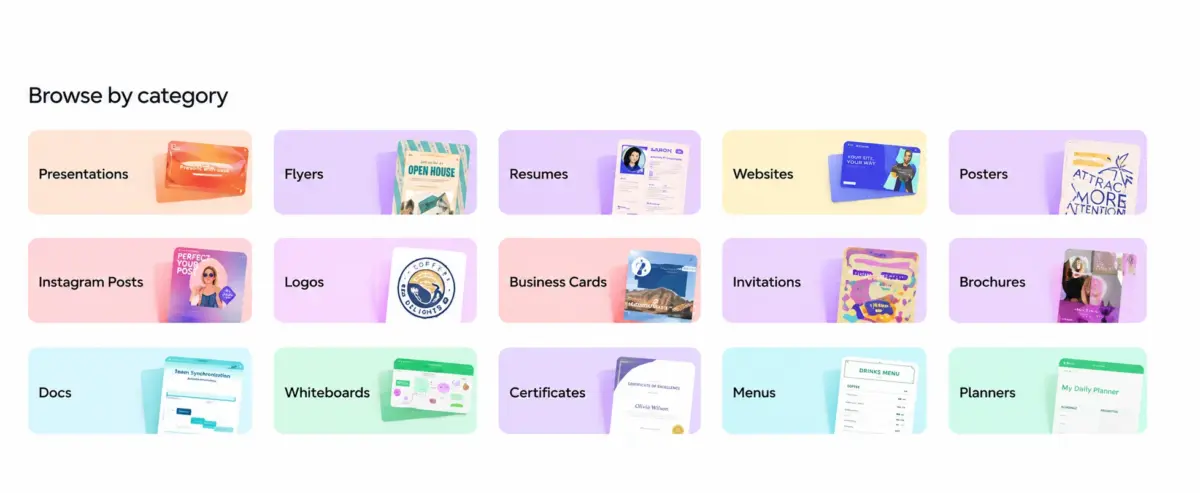
The free plan includes 5GB of cloud storage, access to over 1 million stock photos and graphics, and export in PNG, JPG, and PDF. Canva Pro at $13 per month adds background removal, brand kits, and premium templates, but the free plan covers the majority of marketing design needs without paying. According to Canva’s published data, the platform has over 190 million monthly active users across 190 countries, making it the most widely used design tool in the world.
Canva does not handle professional photo editing, vector illustration, or UI/UX prototyping. Using it for those tasks is like using a Swiss Army knife as a chef’s knife: technically possible, practically frustrating.
UI/UX Design and Prototyping: Figma
Figma’s free plan is the industry standard for UI/UX design and prototyping. It supports up to 3 active Figma design files and unlimited personal drafts, which is enough for freelancers and small projects. The browser-based editor means no software installation, and real-time collaboration lets designers and developers work on the same file simultaneously.
Figma replaced Sketch as the default UI design tool because its free tier actually works for professional output, while Sketch requires a $12 per month subscription. For anyone designing app interfaces, website mockups, wireframes, or interactive prototypes, Figma’s free plan is the starting point. The paid Professional plan at $15 per editor per month adds unlimited files, shared libraries, and branching. Teams of 2 or fewer rarely need to upgrade.
Figma is not a photo editor, a marketing template tool, or a video editor. It is purpose-built for interface design and does that job better than any tool at any price.
Photo Editing: Photopea and Pixlr
Two free tools cover photo editing at different depth levels, and between them they replace Photoshop for most small business needs.
Photopea is the closest free equivalent to Adobe Photoshop. It runs entirely in the browser, opens PSD, XCF, Sketch, and XD files natively, and supports layers, masks, adjustment layers, blend modes, and most Photoshop keyboard shortcuts.
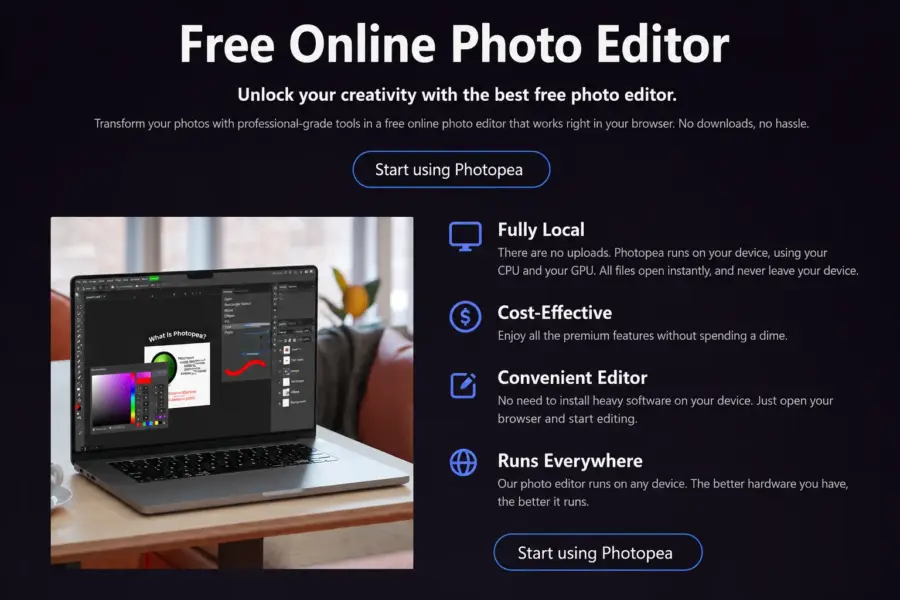
A designer switching from Photoshop can be productive in Photopea within minutes because the interface mirrors Photoshop’s layout. The tool is free with ads; removing ads costs $5 per month. For professional-level photo editing, compositing, and retouching without an Adobe subscription, Photopea is the best option available.
Pixlr is faster and simpler for quick photo fixes: cropping, resizing, adjusting brightness and contrast, and applying filters. It is not a Photoshop replacement but handles the 80% of photo editing tasks that do not require layer manipulation. The free tier is ad-supported with basic features. For a small business owner who needs to resize product photos or adjust blog images, Pixlr does the job in under two minutes without learning a complex interface.
Vector Illustrations and Logos: Inkscape
Inkscape is the free open-source alternative to Adobe Illustrator for vector graphics. It handles logo design, icon creation, print-ready illustrations, and any design that needs to scale to any size without losing quality. The tool supports SVG as its native format and exports to PNG, PDF, EPS, and other print-ready formats.
The learning curve is steeper than Canva or Pixlr because vector illustration is inherently more complex than raster editing. For designers who need scalable graphics (logos, business cards, signage, print designs), Inkscape provides genuinely professional capability at zero cost. It is available for Windows, Mac, and Linux and has been in active development since 2003 with a strong community of contributors.
Inkscape is not for photo editing, UI prototyping, or quick social media graphics. It is a precision vector tool that rewards investment in learning its workflow.
Video Editing: DaVinci Resolve
DaVinci Resolve’s free version is the most powerful free video editing software available. It includes professional-grade color correction (used in Hollywood film productions), multi-track editing, audio mixing with Fairlight, and basic visual effects. The free version handles 4K editing and exports, which most other free video tools cannot match.
The paid Studio version ($295 one-time, not subscription) adds GPU acceleration, HDR grading, and advanced effects, but the free version covers everything a small business, YouTuber, or content creator needs for professional-quality video production. According to Blackmagic Design, DaVinci Resolve has over 2 million active users and is the only professional editing tool that offers a genuinely capable free tier.
DaVinci Resolve requires a computer with reasonable processing power (8GB RAM minimum, dedicated GPU recommended). It is the most hardware-demanding tool on this list but also the most capable.
Advanced Image Manipulation: GIMP
GIMP (GNU Image Manipulation Program) is the original free alternative to Photoshop, available since 1996. It supports layers, masks, filters, plugins, and advanced image manipulation at a level between Pixlr and Photopea. For users who prefer installed desktop software over browser-based tools, GIMP provides more capability than Pixlr with a familiar downloadable application.
The interface has improved over its 28-year history but remains less intuitive than Photopea’s Photoshop-mimicking layout. GIMP is strongest for users with Linux systems (where it is the native image editor), users who prefer open-source software on principle, and anyone who wants an installed application rather than browser-based editing.
What About Adobe Creative Cloud?
Adobe’s suite (Photoshop, Illustrator, Premiere Pro, XD) costs $55 to $80 per month for the full Creative Cloud. For professionals who use Adobe daily, the subscription pays for itself. For small businesses, freelancers, and beginners who design occasionally, the free tools above cover 90% of common design needs at zero cost. The question is not whether Adobe is better (it usually is for each specific task), but whether you design enough hours per week to justify $660 to $960 per year.
A practical stack of Canva (social) plus Figma (UI) plus Photopea (photos) plus DaVinci Resolve (video) provides professional-grade coverage across every major design category for free, replacing four Adobe subscriptions that would cost $200 or more per month combined.
Need help with SaaS tools beyond design?
Check our complete guides to find the right tools for every part of your business.
Last updated: July 10, 2026
Frequently Asked Questions
What is the best free design tool in 2026?
The best free design tool depends on the design task. Canva is best for social media graphics and marketing materials. Figma is best for UI/UX design and prototyping. Photopea is best for photo editing as a free Photoshop replacement. Inkscape is best for vector illustrations and logos. DaVinci Resolve is best for video editing. There is no single tool that handles all design tasks well.
Is Canva really free?
Yes, Canva’s free plan includes over 250,000 templates, 1 million stock assets, 5GB cloud storage, and export to PNG, JPG, and PDF. The Pro plan at $13 per month adds background removal, brand kits, and premium assets, but the free plan covers the majority of marketing and social media design needs for most users.
What is the best free Photoshop alternative?
Photopea is the best free Photoshop alternative. It runs in the browser, opens PSD files natively, and mirrors Photoshop’s interface including layers, masks, adjustment layers, and keyboard shortcuts. A Photoshop user can be productive in Photopea within minutes. GIMP is the best installable desktop alternative for users who prefer downloaded software.
Is Figma free?
Figma’s free plan supports up to 3 active design files with unlimited personal drafts, real-time collaboration, and prototyping. This covers most freelancers and small projects. The Professional plan at $15 per editor per month adds unlimited files and shared team libraries. Figma replaced Sketch as the industry standard partly because its free tier is genuinely usable for professional work.
What is the best free video editing software?
DaVinci Resolve is the most powerful free video editing software available, offering professional-grade color correction, multi-track editing, audio mixing, and 4K export. It is used in Hollywood productions and offers more capability on its free tier than most paid video editors. The main requirement is a computer with reasonable processing power.
Can free design tools replace Adobe Creative Cloud?
For most small businesses and freelancers, yes. A stack of Canva (marketing graphics) plus Figma (UI/UX) plus Photopea (photo editing) plus DaVinci Resolve (video) covers the four main design categories at zero cost, replacing Adobe’s $55-80 per month Creative Cloud subscription. Professionals who design 20-plus hours per week may still prefer Adobe’s deeper capabilities and integrated workflow.
What is the best free design tool for beginners?
Canva is the easiest free design tool for beginners, requiring zero design skill to produce professional-looking results with its template-based drag-and-drop editor. Pixlr is the easiest free photo editor for quick image fixes. For beginners who want to learn professional design skills, Figma (for UI) and DaVinci Resolve (for video) have excellent free learning resources alongside their free software.
Related Design Reviews and Guides